InstancedMesh in Three.js - one draw call for the parts you repeat
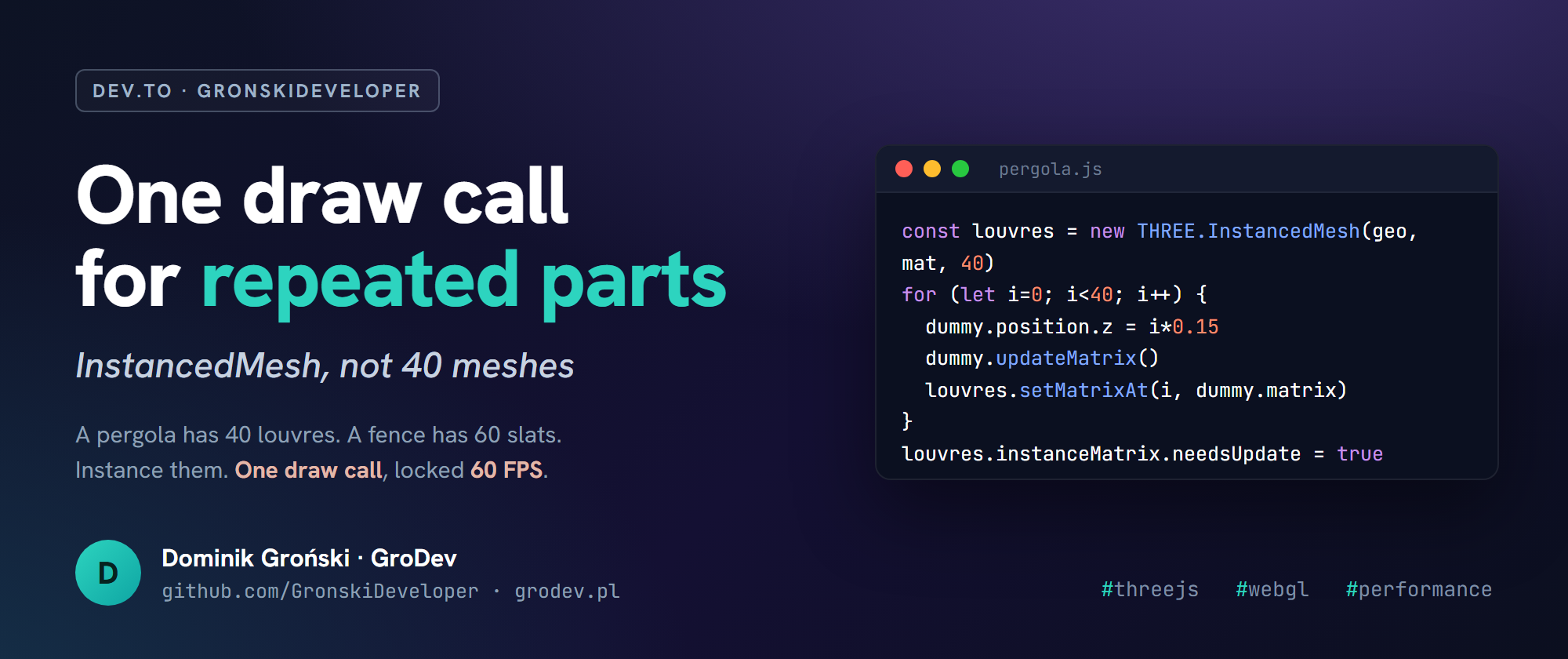
A product configurator is full of repeated geometry. A pergola has 40 louvres. A fence has 60 slats. A pool deck has a grid of tiles. The straightforward way to build that, one Mesh per part, is also how your frame rate dies on a mid-range phone.
The naive version
for (let i = 0; i < 40; i++) {
  const louvre = new THREE.Mesh(geometry, material)
  louvre.position.z = i * 0.15
  scene.add(louvre)
}
40 meshes is 40 draw calls, every single frame. Add a tilt slider the user drags and now you are touching 40 objects per frame on top of that. My first pergola configurator sat at 12 FPS on a mid-range Android doing exactly this.
InstancedMesh: one geometry, N transforms, one draw call
const geo = new THREE.BoxGeometry(0.1, 0.02, 3)
const mat = new THREE.MeshStandardMaterial()
const louvres = new THREE.InstancedMesh(geo, mat, 40)

const dummy = new THREE.Object3D()
for (let i = 0; i < 40; i++) {
  dummy.position.set(0, 0, i * 0.15)
  dummy.rotation.x = userTilt
  dummy.updateMatrix()
  louvres.setMatrixAt(i, dummy.matrix)
}
louvres.instanceMatrix.needsUpdate = true
scene.add(louvres)
Same 40 louvres, one draw call. The pergola went from 12 FPS to a locked 60.
Three gotchas that cost me time
dummy.updateMatrix()beforesetMatrixAt. Forget it and every instance renders at the origin, stacked on top of each other. There is no error, just a mess.instanceMatrix.needsUpdate = trueafter you change transforms. Without it the GPU never sees the update. This is the one that makes people decide InstancedMesh is broken and go back to loops.- Per-instance color is
setColorAt(i, color)plusinstanceColor.needsUpdate = true. Notmaterial.color. If your user picks a color per slat, this is how you do it: one material, N colors, still one draw call.
When it is worth it
Past roughly 100 to 200 repeated objects, or for any repeated object you update every frame. Below that, plain meshes are fine and the code is simpler. Do not instance three cubes to feel clever.
The louvres on pergola3d.grodev.pl run exactly like this. It is one of several things that only show up once a Three.js demo meets a real product catalog, which I wrote more about in lessons from 9 configurator deployments.
I am Dominik Groński / GroDev, a studio in Poznan, Poland building custom 3D configurators and Laravel back-ends for manufacturers.